Vampire Morph
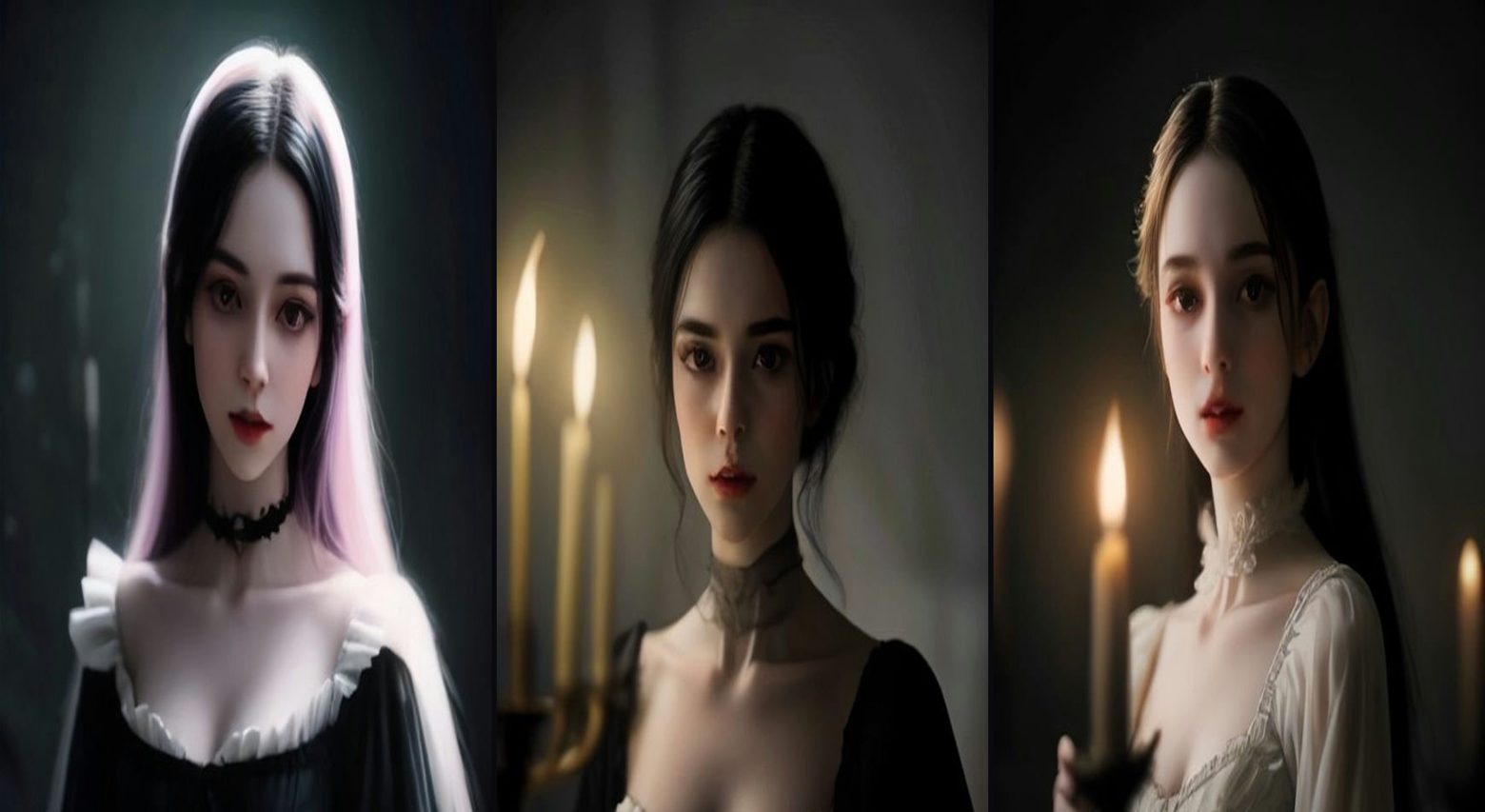
A plain selfie transforms mid-clip into an elegant candlelit vampire — same face, same person, only the transformation changes. This is a photo-based prompt: upload your photo, then paste the full master prompt below into Google Flow, Veo, Kling or your AI video tool of choice. It includes the start frame, timed video direction, sound and a negative prompt — everything needed to recreate the format.
The master prompt
METHOD: Generate the END frame first — a still of the person from the uploaded photo as a vampire: pale skin, subtle fangs, dark elegant clothing, candlelit room, with the same face, hair, gender and body 100% preserved. Then run start-frame → end-frame video.
VIDEO (9:16, 7 seconds): Begin on the plain selfie, end on the vampire still. Over 7 seconds the transformation happens mid-clip: skin pales, eyes deepen, the room darkens into candlelight, camera drifts closer. The person's identity must stay identical throughout — only the transformation changes.
SOUND: A swelling cinematic sting at the morph moment.
NEGATIVE: Melting face, identity drift, blood dripping, text.
How to use this prompt
Related prompts
The Figure in the Doorway
A cozy flash-photo portrait with a silent masked figure standing in the dark doorway behind — visible from the very first frame.
Seasonal HalloweenPumpkin Patch Toddler
A happy toddler in a tiny knit sweater dwarfed by giant pumpkins at golden hour — cozy autumn, zero scares.
AI Baby & ToddlerTiny Toddler Squad — The Giant Strawberry Carry
Five chubby toddlers in matching outfits team-carry one giant strawberry across a backyard. Teamwork, wobbles and a big cheer at the end.